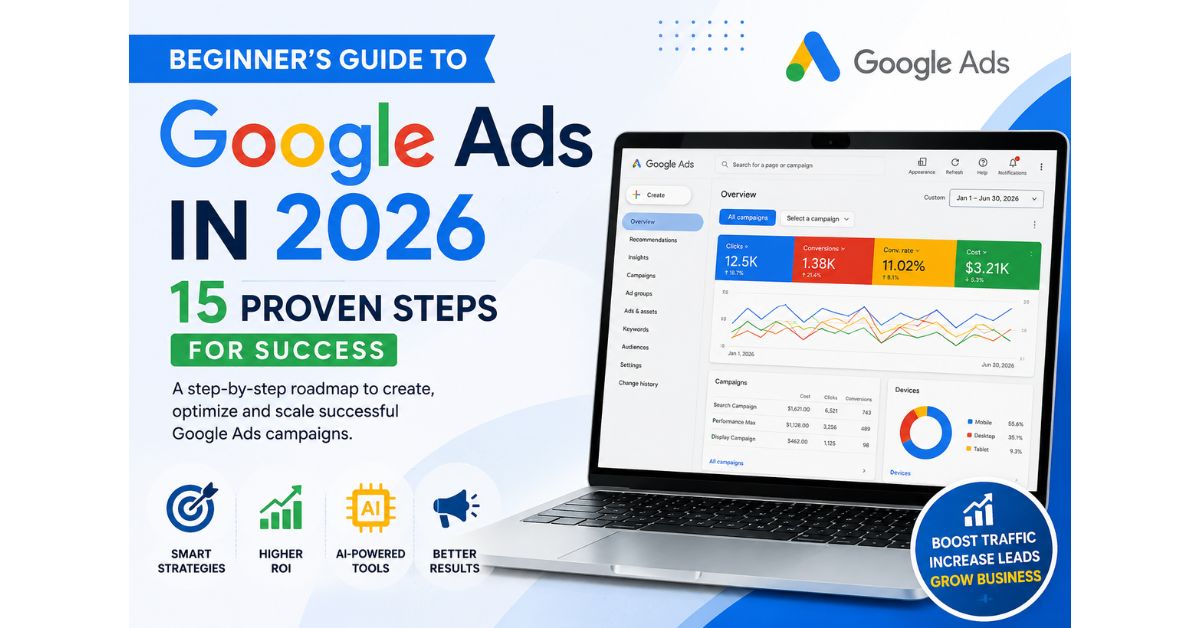
In 2026, Google Ads is smarter than ever. Artificial Intelligence now automates bidding, targeting, creative optimization, and audience prediction, making advertising easier—even for complete beginners.
If you’ve never launched a Google Ads campaign before, this guide will walk you through everything you need to know to achieve success.
This Beginner’s Guide to Google Ads in 2026 is designed to help new advertisers understand campaign setup, AI-powered features, and proven strategies for long-term success.
Introduction
Google Ads continues to dominate online advertising because it helps businesses reach customers exactly when they’re searching for products or services.
Whether you own a local business, an eCommerce store, a startup, or a service-based company, learning Google Ads can dramatically increase your website traffic, leads, and sales.
This Beginner’s Guide to Google Ads in 2026 explains how to create successful campaigns using Google’s latest AI-powered features while avoiding expensive beginner mistakes.
What is Google Ads?
Google Ads is Google’s online advertising platform that allows businesses to display advertisements on:
- Google Search
- YouTube
- Gmail
- Google Maps
- Google Shopping
- Google Display Network
- Discover Feed
- Partner Websites
Advertisers only pay when users click, watch, or perform a desired action depending on campaign type.
Key Points
- AI automates bidding and optimization.
- Smart campaigns require less manual work.
- Search campaigns still deliver the highest buying intent.
- Performance Max reaches customers across every Google channel.
- Conversion tracking is essential.
- Quality Score directly impacts advertising costs.
- Keyword research remains the foundation of successful campaigns.
Visual Introduction
Imagine owning a coffee shop.
Someone nearby searches:
“Best Coffee Near Me”
Within seconds, your advertisement appears at the top of Google Search before your competitors.
The customer clicks.
Visits your website.
Gets directions.
Walks into your store.
That’s exactly how Google Ads works.
Features of Google Ads in 2026
AI-Powered Campaign Optimization
Automatically improves campaign performance using machine learning.
Performance Max
Shows advertisements across Search, YouTube, Gmail, Display, Maps, and Discover.
Smart Bidding
Automatically adjusts bids to maximize conversions.
Audience Signals
Helps Google’s AI find high-converting customers.
Responsive Search Ads
Google automatically tests headlines and descriptions.
Real-Time Reporting
Monitor clicks, impressions, conversions, CTR, CPC, and ROAS instantly.
Benefits
- Instant website traffic
- High-quality leads
- Better local visibility
- Flexible budgets
- Detailed analytics
- Faster business growth
- Better return on investment
- AI-powered optimization
- Increased sales opportunities
Quick Insights Table
| Feature | Benefit |
|---|---|
| Search Ads | Capture high-intent customers |
| Display Ads | Build brand awareness |
| Video Ads | Increase engagement |
| Shopping Ads | Sell products online |
| Performance Max | AI-driven optimization |
| Smart Bidding | Better conversion rates |
| Audience Signals | Improved targeting |
| Conversion Tracking | Accurate ROI measurement |
Small Case Study
Local Dental Clinic
Monthly Budget: $500
Before Google Ads
- 35 website visits
- 6 leads
After 90 Days
- 1,150 website visits
- 128 leads
- 37 appointments
- 5.4X ROI
The biggest improvement came from AI-powered bidding combined with location targeting.
Step-by-Step Guide
Step 1
Create your Google Ads account.
Step 2
Define your campaign objective.
Examples:
- Leads
- Website Traffic
- Sales
- App Installs
- Local Store Visits
Step 3
Choose campaign type.
- Search
- Display
- Shopping
- Video
- Performance Max
Step 4
Research keywords.
Examples
- Digital marketing agency
- SEO services
- Google Ads expert
- Social media marketing
Step 5
Create compelling advertisements.
Include:
- Strong headline
- Benefits
- CTA
- Keywords
Step 6
Set daily budget.
Start with a manageable amount and scale based on results.
Step 7
Enable conversion tracking.
Without tracking, optimization becomes guesswork.
Step 8
Launch campaign.
Monitor daily.
Optimize weekly.
Scale monthly.
15 Proven Steps for Success with Google Ads in 2026
1. Define Your Advertising Goal
Before creating a campaign, decide what you want to achieve. Your goal could be increasing website traffic, generating leads, boosting online sales, or promoting brand awareness. A clear objective helps Google optimize your campaign effectively.
2. Create Your Google Ads Account
Sign up for a Google Ads account using your Google account. Set your billing information, business details, and account preferences correctly to ensure a smooth campaign setup.
3. Choose the Right Campaign Type
Google Ads offers multiple campaign types, including Search, Display, Video, Shopping, Demand Gen, and Performance Max. Select the one that best aligns with your business goals and target audience.
4. Research High-Intent Keywords
Use tools like Google Keyword Planner to find keywords your potential customers are searching for. Focus on high-intent keywords that indicate users are ready to buy or inquire.
5. Understand Search Intent
Not every keyword has the same purpose. Some users want information, while others are ready to make a purchase. Match your ads to the user’s intent to improve click-through rates and conversions.
6. Organize Campaigns and Ad Groups
Group similar products, services, or keywords into well-structured campaigns and ad groups. A clean account structure improves ad relevance, Quality Score, and campaign performance.
7. Write High-Converting Ad Copy
Create compelling headlines and descriptions that highlight your unique selling points. Include your focus keyword, benefits, and a strong call-to-action such as “Get a Free Quote” or “Book Today.”
8. Set the Right Budget and Bidding Strategy
Start with a budget you can comfortably manage. Choose an appropriate bidding strategy, such as Maximize Conversions or Target CPA, depending on your campaign objective and available data.
9. Add Negative Keywords
Negative keywords prevent your ads from appearing for irrelevant searches. This reduces wasted ad spend and ensures your budget is focused on qualified potential customers.
10. Optimize Your Landing Page
A fast, mobile-friendly, and relevant landing page increases the chances of converting visitors into customers. Make sure the page matches your ad message and includes a clear call-to-action.
11. Enable Conversion Tracking
Set up conversion tracking to measure important actions like purchases, form submissions, phone calls, or downloads. This data helps you understand campaign performance and make informed decisions.
12. Use Ad Extensions (Assets)
Enhance your ads with additional information such as sitelinks, call buttons, location details, pricing, or promotions. Ad extensions improve visibility and often increase click-through rates.
13. Monitor Key Performance Metrics
Regularly review metrics such as impressions, clicks, click-through rate (CTR), cost per click (CPC), conversion rate, and return on ad spend (ROAS). These insights help identify opportunities for improvement.
14. Continuously A/B Test and Optimize
Experiment with different headlines, descriptions, keywords, landing pages, and bidding strategies. Continuous testing helps you discover what works best and improves campaign performance over time.
15. Scale Winning Campaigns with AI and Automation
Once you identify successful campaigns, gradually increase your budget and leverage Google’s AI-powered features like Performance Max and Smart Bidding. Scaling strategically allows you to grow while maintaining a strong return on investment.
Real Example
A startup selling fitness equipment launched a Performance Max campaign targeting “home gym equipment.”
Within two months:
- 420% increase in website traffic
- 290% increase in online sales
- 31% lower Cost Per Conversion
- 4.9X Return on Ad Spend
The campaign succeeded because AI optimized placements across Search, YouTube, Display, and Shopping.
Google Ads Trends in 2026
Every Beginner’s Guide to Google Ads in 2026 should include the latest AI, automation, and privacy-first advertising trends.
- AI-generated ad creatives
- Predictive audience targeting
- Voice Search optimization
- Visual Search advertising
- Privacy-first tracking
- First-party data strategies
- Performance Max dominance
- AI-powered reporting dashboards
Common Mistakes
- Choosing broad keywords
- Ignoring negative keywords
- No conversion tracking
- Weak landing pages
- Low-quality ad copy
- Poor budget management
- No A/B testing
- Stopping campaigns too early
Pro Tips
✔ Focus on Search campaigns first.
✔ Use exact and phrase match keywords.
✔ Improve landing page speed.
✔ Add ad extensions.
✔ Review Search Terms weekly.
✔ Use audience signals.
✔ Monitor Quality Score.
✔ Test multiple headlines.
✔ Optimize for conversions, not clicks.
✔ Analyze competitors regularly.
Expert Quotes
“Google Ads rewards relevance more than budget. The better your ads answer user intent, the more efficiently every advertising dollar works.”
— Digital Advertising Strategist
“AI is transforming campaign management, but strategic keyword selection and strong landing pages remain the foundation of long-term success.”
— PPC Growth Consultant
Future Outlook
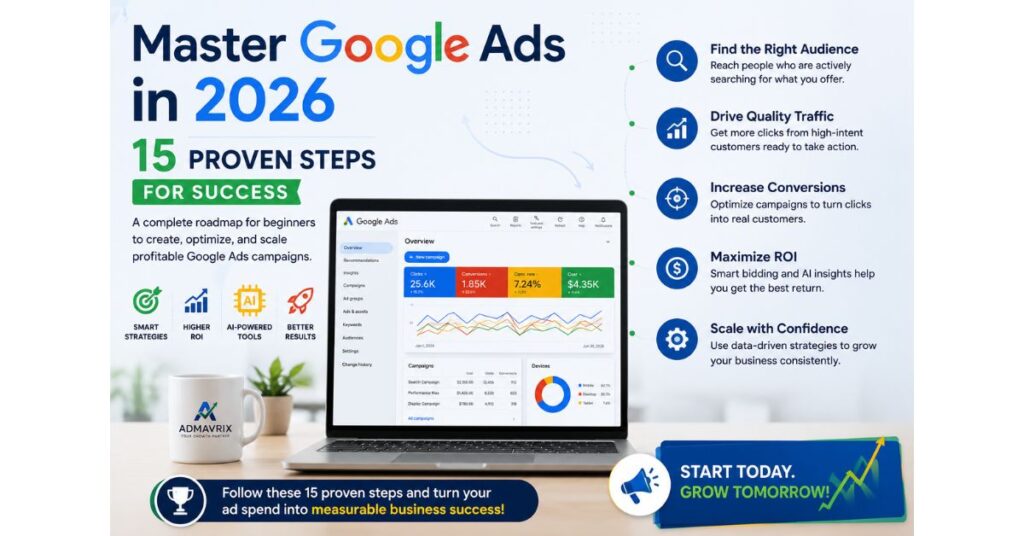
By 2026 and beyond, Google Ads will become even more AI-driven. Advertisers who combine automation with strong strategy, first-party data, compelling creatives, and continuous optimization will gain a competitive advantage. Learning the fundamentals today will prepare businesses to leverage future innovations with confidence.
Frequently Asked Questions
Is this Beginner’s Guide to Google Ads in 2026 suitable for complete beginners?
Yes. This guide is written specifically for beginners who want to launch and optimize their first Google Ads campaigns.
Is Google Ads good for beginners?
Yes. Google’s AI-powered campaigns make it easier than ever to start advertising with minimal experience.
How much should beginners spend?
Many businesses begin with a modest daily budget and increase spending as they identify profitable campaigns.
Which campaign type is best?
Search campaigns are typically the best starting point because they target users with high purchase intent.
Is SEO better than Google Ads?
SEO provides long-term organic visibility, while Google Ads delivers immediate traffic. Combining both often produces the best results.
How long before I see results?
Initial clicks can arrive within hours, but meaningful optimization and performance improvements usually develop over several weeks.
Conclusion
We hope this Beginner’s Guide to Google Ads in 2026 gives you the confidence to create profitable campaigns using Google’s latest tools and best practices.
Google Ads in 2026 offers incredible opportunities for businesses of every size. With AI-powered automation, smart bidding, responsive ads, and detailed analytics, even beginners can build profitable campaigns when they follow proven strategies.
Start with clear goals, choose the right keywords, track conversions, and optimize consistently. Success comes from continuous testing, learning, and refinement—not simply increasing your budget.
Ready to Grow Your Business with Google Ads?
At Admavrix, we create data-driven Google Ads campaigns that generate qualified traffic, high-quality leads, and measurable business growth. Whether you’re launching your first campaign or scaling an existing account, our experts can help you maximize your advertising investment.
Contact Admavrix today to build smarter, AI-powered Google Ads campaigns that deliver real results.