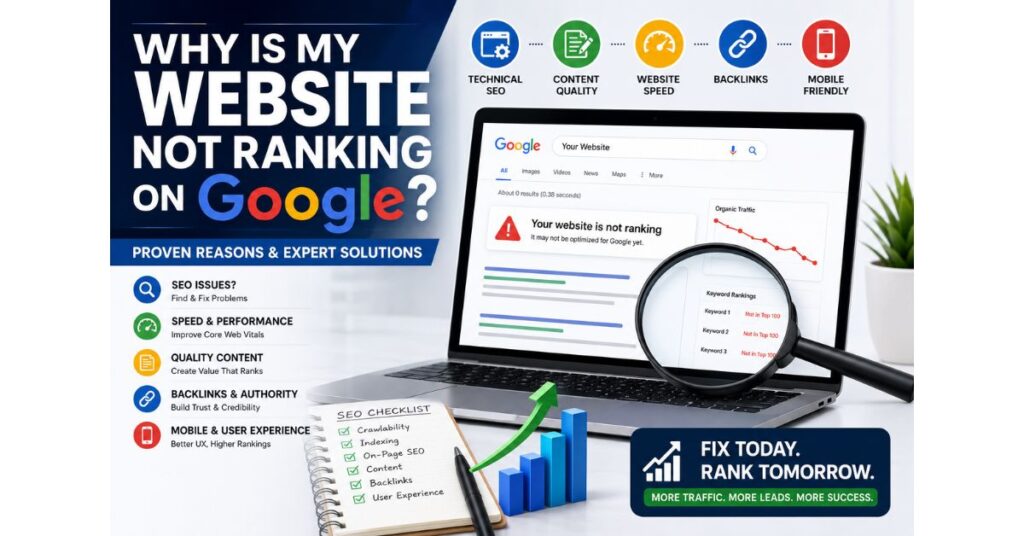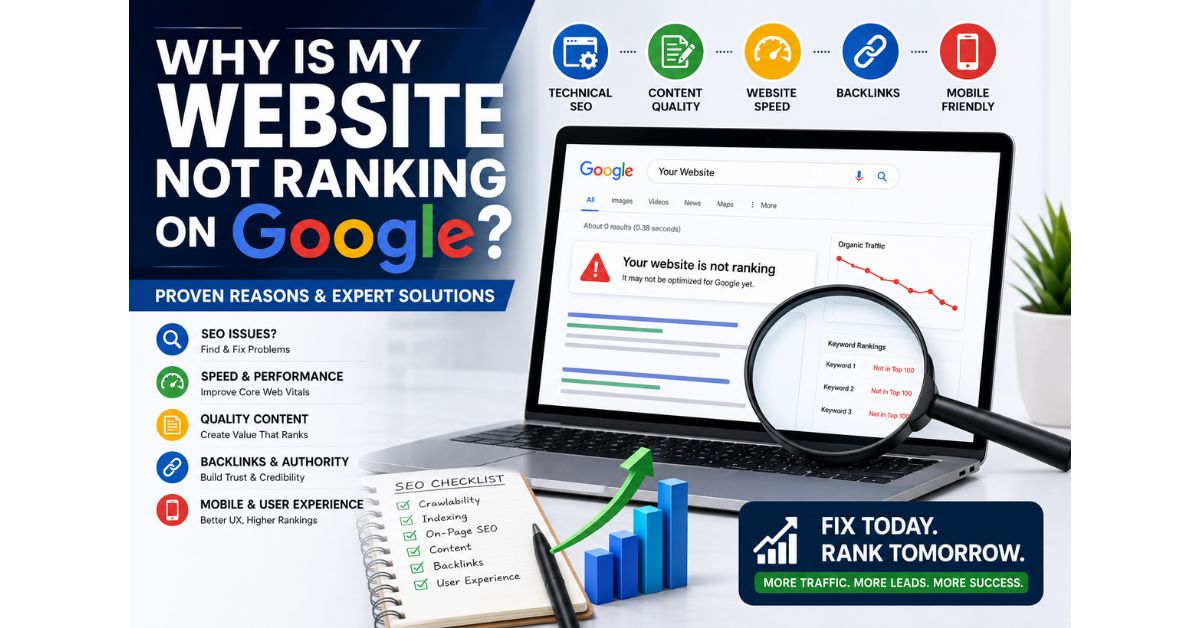
If you’ve been searching “Why Is My Website Not Ranking on Google?”, you’re not alone. Every day, thousands of businesses launch beautiful websites only to discover that they receive little or no organic traffic. Simply having a website isn’t enough—Google ranks websites based on quality, relevance, authority, and user experience.
The good news? Most ranking issues can be fixed with the right SEO strategy. In this guide, you’ll learn why your website isn’t ranking and the proven steps to improve your visibility.
Introduction
You built your website. Published blogs. Optimized your pages. But Google still isn’t sending traffic. Why?
The answer isn’t luck. Google’s algorithm evaluates hundreds of ranking factors before deciding which websites deserve the top positions.
If your competitors consistently rank above you, chances are they’re doing a few important things better. Let’s find out what they are and how you can close the gap.
Meaning
Website ranking refers to your position on Google Search for specific keywords. Higher rankings mean more visibility, more clicks, and more potential customers.
If your website isn’t ranking, it usually indicates issues with SEO, content quality, technical performance, backlinks, or search intent.
Key Points
- Ensure your website is indexed by Google.
- Target long-tail keywords with lower competition.
- Publish helpful, original content.
- Improve page speed and Core Web Vitals.
- Build quality backlinks.
- Optimize for mobile devices.
- Strengthen internal linking.
- Monitor performance using Google Search Console.
Visual Introduction
Imagine two websites offering the same service.
| Website A | Website B |
|---|---|
| Slow loading | Fast loading |
| Thin content | Detailed guides |
| No SEO | Optimized SEO |
| No backlinks | Quality backlinks |
| Poor mobile experience | Mobile-friendly |
Result: Website B consistently ranks higher because it delivers a better experience for users and search engines.
Features of a Well-Optimized Website
- SEO-friendly content
- Fast page speed
- Mobile responsiveness
- Secure HTTPS
- Optimized meta titles and descriptions
- Image optimization
- Internal linking
- Schema markup
- XML sitemap
- Easy navigation
Benefits of Ranking on Google
- Increase organic traffic
- Generate qualified leads
- Build customer trust
- Improve brand visibility
- Reduce advertising costs
- Increase conversions
- Long-term business growth
- Better ROI from your website
Step-by-Step Guide
1. Check Website Indexing
Search:
site:yourdomain.com
If your pages don’t appear, submit your sitemap in Google Search Console.
2. Target the Right Keywords
Don’t try ranking immediately for highly competitive keywords like “SEO.”
Instead target:
- SEO for Small Businesses
- Google Ads for Clinics
- Local SEO Services
- Digital Marketing for Restaurants
3. Improve Content
Google rewards content that:
- Solves problems
- Answers questions
- Is original
- Provides value
4. Optimize Technical SEO
Fix:
- Broken links
- Duplicate pages
- Missing meta tags
- Slow loading speed
- Crawl errors
5. Build Backlinks
Earn links through:
- Guest blogging
- Business directories
- PR
- Shareable content
- Industry partnerships
Deep Explanation
1. Your Website Is Too New
New websites need time to build authority. It often takes several months of consistent SEO before rankings improve.
2. You’re Targeting Highly Competitive Keywords
Many new websites target broad keywords like “Digital Marketing” or “SEO.” These are dominated by high-authority websites.
Instead, focus on long-tail keywords such as:
- Best SEO Agency for Startups
- Local SEO for Pet Care Businesses
- Google Ads for Physiotherapy Clinics
These are easier to rank for and attract more qualified traffic.
3. Low-Quality Content
Publishing short or duplicate content won’t help. Every page should answer the user’s question thoroughly and provide unique insights.
4. Poor Technical SEO
Technical issues such as crawl errors, missing sitemaps, slow speed, or broken links can prevent Google from properly understanding your website.
5. Slow Website Speed
Users expect pages to load quickly. Compress images, improve hosting, and reduce unnecessary scripts to enhance performance.
6. Weak Internal Linking
Link related blogs and service pages together. Internal links help Google discover content and improve user navigation.
7. Lack of Backlinks
Quality backlinks remain one of Google’s strongest ranking signals. Focus on earning links from relevant, trusted websites.
Latest SEO Trends (2026)
- AI-assisted SEO
- Helpful Content Optimization
- Topical Authority
- Entity SEO
- Core Web Vitals
- Voice Search
- Video SEO
- EEAT Optimization
- Semantic Search
- AI Search Optimization
Small Case Study
A local physiotherapy clinic had almost no organic traffic despite offering excellent services. After optimizing service pages, targeting location-based keywords, improving page speed, and publishing educational blogs, the clinic experienced a steady increase in Google visibility and appointment enquiries within a few months.
Real Example
An online retail business struggled to rank for product keywords. By creating detailed buying guides, improving internal linking, optimizing images, and earning backlinks from industry blogs, the business significantly improved its organic traffic and search visibility over time.
Common Mistakes
- Targeting overly competitive keywords
- Publishing duplicate content
- Ignoring mobile optimization
- Slow-loading pages
- Missing meta descriptions
- Poor internal linking
- No backlink strategy
- Not updating old content
- Ignoring Google Search Console
- Keyword stuffing
Pro Tips
- Focus on user intent, not just keywords.
- Build topic clusters around your services.
- Publish high-quality blogs consistently.
- Update older content regularly.
- Optimize images with descriptive alt text.
- Improve Core Web Vitals.
- Monitor keyword rankings monthly.
- Earn quality backlinks naturally.
Expert Quote
“Google doesn’t rank the website with the most keywords—it ranks the website that best answers the user’s question.”
FAQ Section
Why is my website not appearing on Google?
Possible reasons include indexing issues, poor SEO, technical errors, or highly competitive keywords.
How long does SEO take?
Most websites begin seeing meaningful improvements within 3–6 months, depending on competition and consistency.
Does blogging help SEO?
Yes. High-quality blogs improve topical authority, target long-tail keywords, and attract organic traffic.
Are backlinks still important?
Absolutely. Quality backlinks remain one of Google’s strongest ranking factors.
Can a slow website affect rankings?
Yes. Slow websites reduce user satisfaction and can negatively impact SEO performance.
Future Outlook
Google is increasingly prioritizing helpful content, user experience, topical authority, and AI-enhanced search. Businesses that consistently create valuable content, maintain technically sound websites, and focus on solving real customer problems will be better positioned for long-term organic growth.
Conclusion
If you’ve been asking “Why Is My Website Not Ranking on Google?”, the solution lies in understanding how Google evaluates websites. Strong content, technical SEO, quality backlinks, keyword strategy, and excellent user experience all work together to improve rankings. Rather than chasing shortcuts, invest in a sustainable SEO strategy that delivers long-term results.
Why Choose Admavrix?
At Admavrix, we help businesses improve Google rankings through SEO, Local SEO, technical optimization, content marketing, Google Ads, Meta Ads, AI-powered strategies, and performance tracking. Our data-driven approach is designed to increase qualified traffic, generate leads, and support long-term business growth.
Ready to rank higher on Google? Partner with Admavrix and build an SEO strategy that delivers measurable results.